ProAssistants have supported executives and board members at some of the world's top brands.




























Partner with a US-based, fractional executive assistant you can depend on so you can focus on driving results.
Get Started ProAssisting is #2466 on the Inc. 5000 fastest growing companies list.
ProAssistants have supported executives and board members at some of the world's top brands.
ProAssistants bring all the skills, experience, and capabilities of an elite executive assistant to your organization without the cost of hiring an in-house, full-time employee.
Your ProAssistant is:

Your ProAssistant is an extension of you. They will get to know your business and your preferences so they can anticipate your needs.

Every ProAssistant has many years of experience supporting a high-level executive, board member, or business owner as an executive assistant, project manager, or Chief of Staff—and sometimes, all three.

ProAssistants are industry agnostic. Your ProAssistant has the skills to adapt quickly to your vertical, needs, and work style.

Your ProAssistant's extensive experience supporting professionals at the highest level, combined with our comprehensive onboarding process, ensures they can start reducing your workload from day one.
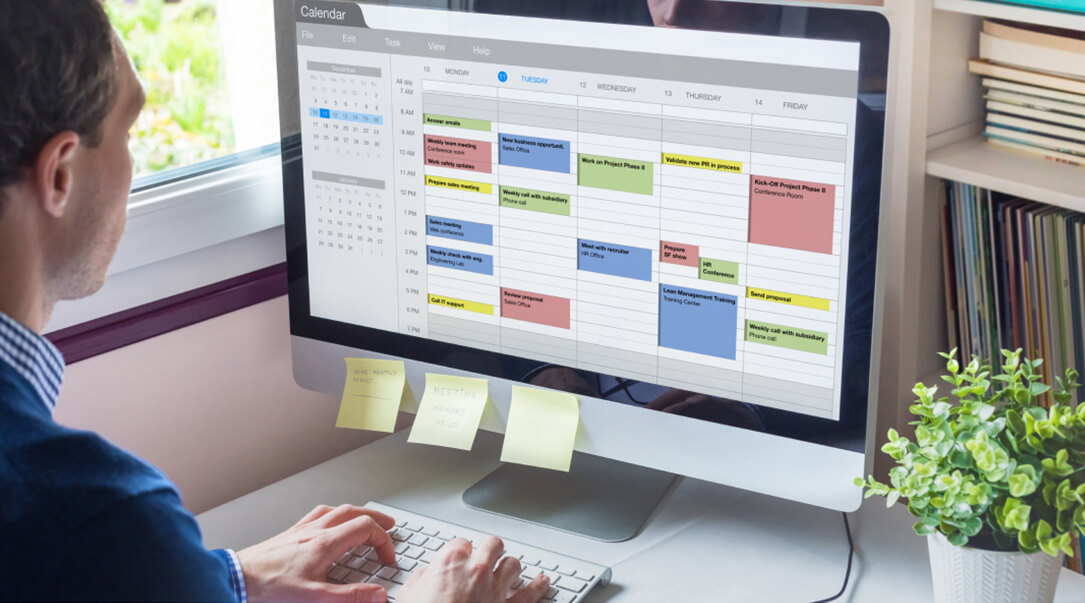
A ProAssistant can do a lot for you: organize your calendar, plan a family vacation, arrange a thoughtful gift for a business partner, and so much more. Whatever your ProAssistant does to help you, the result is the same—more time to focus on making an impact on high-value objectives.

Your business is moving fast. You need an assistant who can keep up. Your ProAssistant is based in the U.S. and shares your working hours. They’re committed to addressing requests quickly, typically responding to communication within an hour or less and, usually, a lot less. They can even be there for you when the unexpected happens if you're traveling or on nights and weekends.
75+% of your monthly retainer is passed directly to your ProAssistant, a much higher percentage than other businesses in our space. Because ProAssistants are treated well and compensated accordingly for their high level of expertise, we attract and retain top talent, helping to ensure that your ProAssistant will be at your side for as long as you need them.
Learn More"I needed business and personal executive assistant support without the need of a full-time executive assistant in my office. I was happy to learn that ProAssisting would provide that support remotely. In addition to the more typical tasks and detailed scheduling and planning, they have been creative problem solvers for any requests and demands the work entails. I’ve been with ProAssisting for over five years now and recommend them for anyone looking for remote executive assistant support."

"I was thrilled to find high-level EA support that meets my needs through ProAssisting, and I wholeheartedly recommend them."
"ProAssisting made finding a high-performing, trustworthy, and experienced assistant incredibly simple."
"In my roles as a senior executive running multi-billion dollar businesses, or as CFO, my assistant was invaluable. After transitioning to my current position as a Non-Executive Board Director, I wanted similar personal support but didn't think I could find high caliber, confidential assistance that wasn't cost prohibitive. Then I was connected with ProAssisting. I have been with them for over five years now and highly recommend their remote executive assistants to anyone who longs for their previous right-hand support."
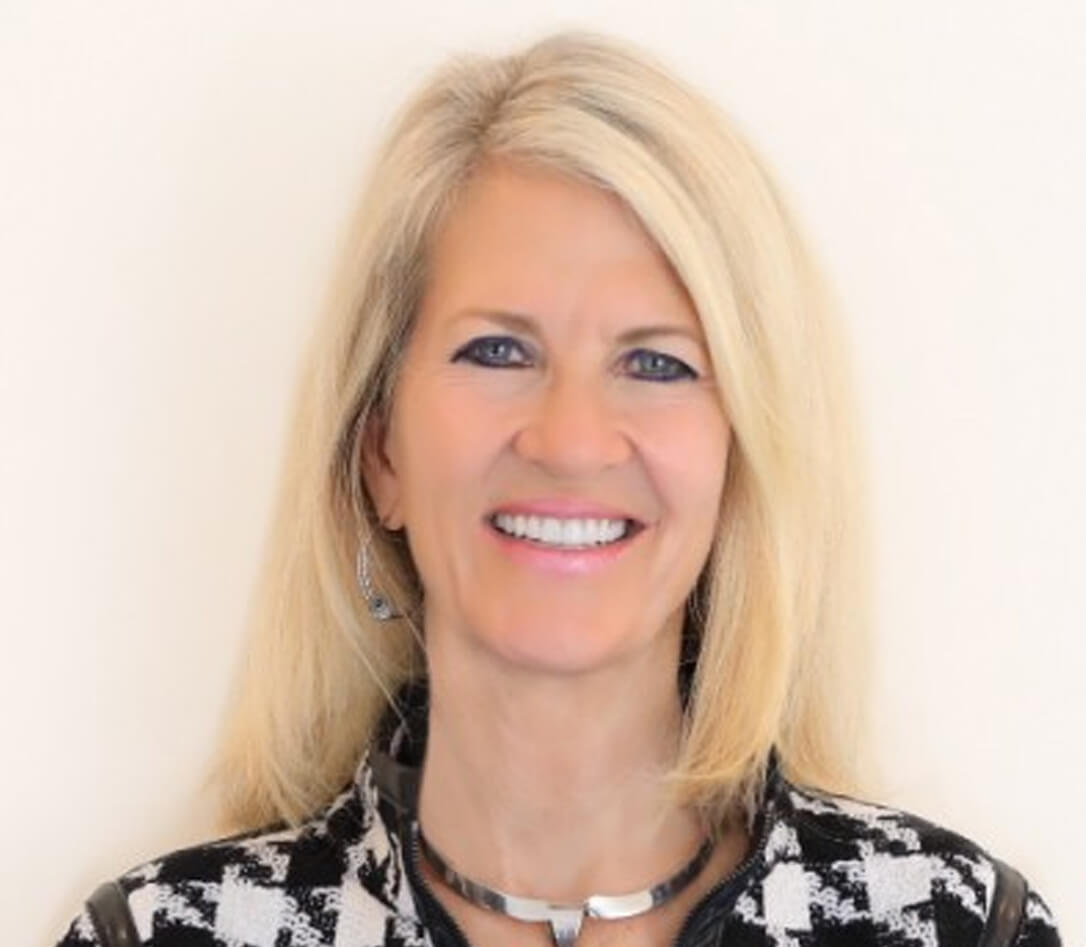
"I wouldn’t know how to operate without Allie now! She is amazing, and I’m thrilled with ProAssisting!"
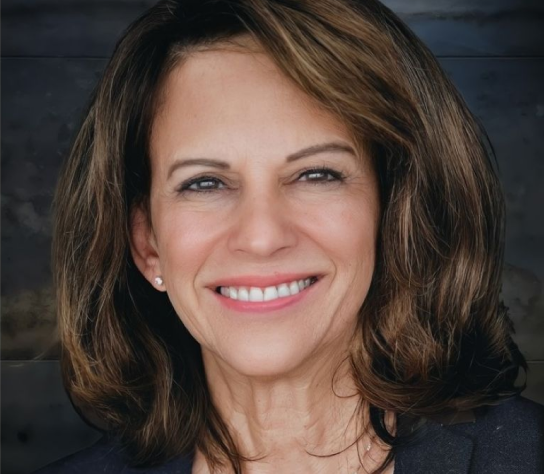
"I trust ProAssisting immensely, and I recommend them highly to any executive who wants a trustworthy and discreet professional."

"I could not have anything better to say about ProAssisting. They paired me with the perfect executive assistant within minutes of our first meeting. She has made my life so much easier and given me back my sanity. She goes above and beyond for me and our company."

"I've been with ProAssisting for my EA support for over three years now. Didn't think we could find fractional support of this caliber but I'm sure glad we did."

"ProAssisting made finding my first assistant a breeze. They guided me through every step, ultimately matching me with a highly qualified and professional assistant. She's helped me get my administrative work on track, and the people I do business with give me lots of compliments about her."

"ProAssisting is an efficiency dream. I needed a way to expand my own bandwidth without having to develop and manage a full-time entry-level assistant – with ProAssisting, I get an experienced EA who can truly run with anything, interface directly with my C-levels, and integrate seamlessly across the whole agency."

"My ProAssistant has truly been a gamechanger for my productivity and peace of mind. She handles everything from scheduling to research to task management with exceptional organization and attention to detail. She proactively keeps me on track and takes a huge weight off my shoulders every single day. I don't know how I functioned without her!"

"ProAssisting's fractional executive assistant support model provided us the exact type of support we needed as a growing business. Lindsey was a highly experienced assistant and helped me to be a more effective executive. I recommend ProAssisting without hesitation to any colleague considering executive assistant support."

"I want to express my sincere appreciation for the outstanding service I’ve received from Michelle, who has been truly exceptional. She has consistently demonstrated professionalism, trustworthiness, maturity, perseverance, attention to detail, and genuine care in her work. I’ve had a wonderful experience and have genuinely enjoyed working with her."

"My EA from ProAssisting was an 'instant on' and immediate force multiplier. Professional, proactive, and easy to work with; I have and continue to regain hours a day! I have had several colleagues mention how awesome she has been to work with. “She knows what she is doing,” is a comment I hear a lot! Thanks ProAssisting!"